GPT-Live-1 Voice Conversations
Overview
From v2.77.0, GPT-Live-1 voice conversations let microphone input continue while the other participant is speaking. GPT-Live-1 handles voice, while a separate OpenAI model handles reasoning and web search. This is a separate mode from the standard Realtime API and features that only transcribe voice input.
Setup and Starting a Conversation
- Select OpenAI in AI settings and configure an API key. Access to GPT-Live is required.
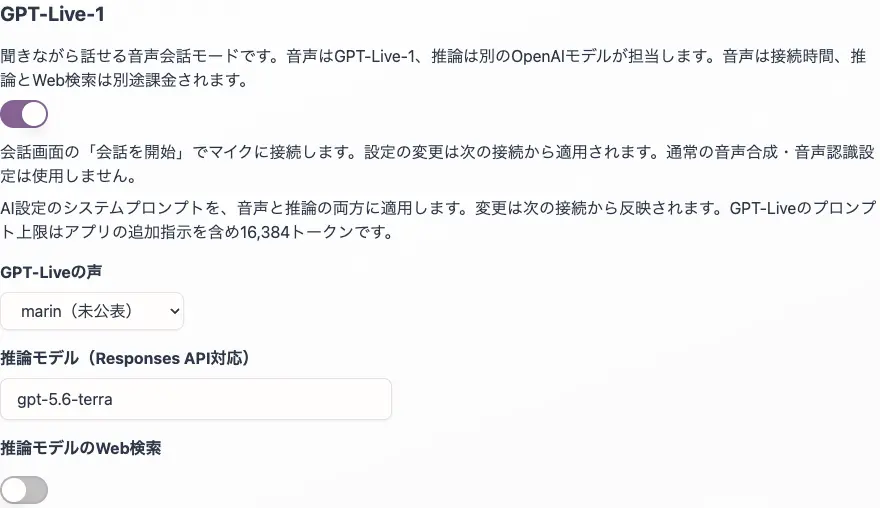
- Turn ON "GPT-Live-1".
- Select a voice, reasoning model, and web search if needed.
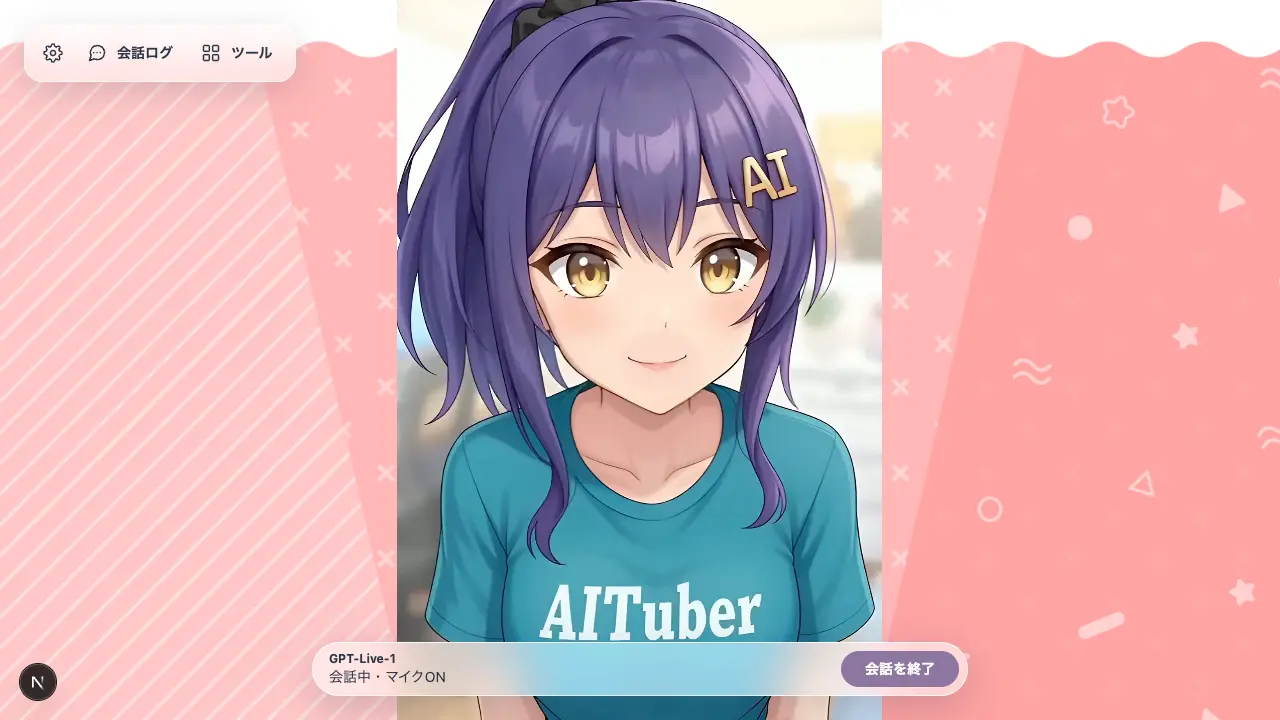
- Press "Start conversation" on the conversation screen and allow microphone access.
- To finish, press "End conversation". This stops microphone transmission, waits for the server's termination notification, and disconnects.
Connections do not start automatically. The GPT-Live control bar remains visible even when the regular input form is hidden.
| Setting | Description |
|---|---|
| Voice | Choose marin (default) or one of 12 additional voices |
| Reasoning model | gpt-5.6-terra (default). Specify a model ID available for GPT-Live Responses delegation |
| Web search for the reasoning model | OFF by default. Enable it to use web search on the reasoning side |
| System prompt | The existing character settings are passed to both the voice and reasoning sides |
Setting changes take effect on the next connection. Voice options include female or male labels based on the official classification. marin, which has no published classification, is shown as "Unspecified".
| Classification | Voices |
|---|---|
| Female | quartz, willow, gleam, bossa, delta |
| Male | ripple, vesper, stone, meridian, tempo, beacon, cinder |
| Unspecified | marin |
Conversation History and Limits
At connection time, the most recent text messages are sent according to "Number of past messages to retain". GPT-Live supports up to 128 messages, while the regular mode's setting is preserved. Image and audio data themselves are not sent as past history.
- The official history limit is 8,192 tokens in total.
- The system prompt is limited to 16,384 tokens, including instructions added by the app.
- Token counts and character counts are different. Message text is not truncated to a fixed number of characters.
- The API determines whether the exact limit is exceeded. If an error appears, reduce the number of retained messages or shorten the prompt, then reconnect.
Ending the conversation and reconnecting preserves history. To start a completely new conversation, follow End conversation → Reset conversation history → Start conversation. Clearing the on-screen history while connected does not clear the context of the active GPT-Live session. The system prompt continues to apply.
Audio and Other Features
Received audio is played directly and connected to lip sync for VRM, Live2D, and PNGTuber. User and character subtitles are added separately to the conversation log. If the browser blocks audio playback, press the playback button that appears.
Regular TTS and speech recognition settings are not used. This mode operates differently from combinations of Realtime API, Audio mode, external integration, slides, YouTube, automatic speech, and regular chat processing that uses memory. Enabling a conflicting input or automatic speech mode turns GPT-Live OFF. Long-term memory (RAG) is not added to this mode's history.
Environment Variables
# GPT-Live full-duplex voice (OpenAI API key required; backend billed separately)
NEXT_PUBLIC_LIVE_MODE=false
NEXT_PUBLIC_LIVE_VOICE=marin
NEXT_PUBLIC_LIVE_BACKEND_MODEL=gpt-5.6-terra
NEXT_PUBLIC_LIVE_WEB_SEARCH=false
The initial conversation history count uses the existing NEXT_PUBLIC_MAX_PAST_MESSAGES=10. Server-side keys use OPENAI_KEY or OPENAI_API_KEY. To use a server-side key, also configure server secret access control. Server-side keys are unavailable with the default AITUBERKIT_SERVER_SECRET_ACCESS_MODE=disabled.
Billing and Errors
Voice is billed by connection duration, including time when the microphone is silent. Reasoning and web search are billed separately. The initialization charge for 15 seconds when creating a WebRTC connection is credited toward the subsequent time-based charges.
Errors such as key access denial, connection failures, token limit violations, and reasoning failures are displayed on screen. If termination confirmation is not received, the local microphone is still released, but server-side termination and final usage duration are shown as unconfirmed. Connection failures do not trigger automatic reconnection.
Official documentation: Connecting to GPT-Live, Sessions and history, and Delegating reasoning.